What should I name my Paysquad?
Updated
Giving your Paysquad a personal name is completely optional. You can keep the name already shown and carry on.
If you’d like to make the Paysquad your own, choose a name your squad will recognise:
- The occasion: “Mia’s birthday”
- Who it’s for: “A little something for Sam”
- Your group’s inside jokes: “The usual suspects”
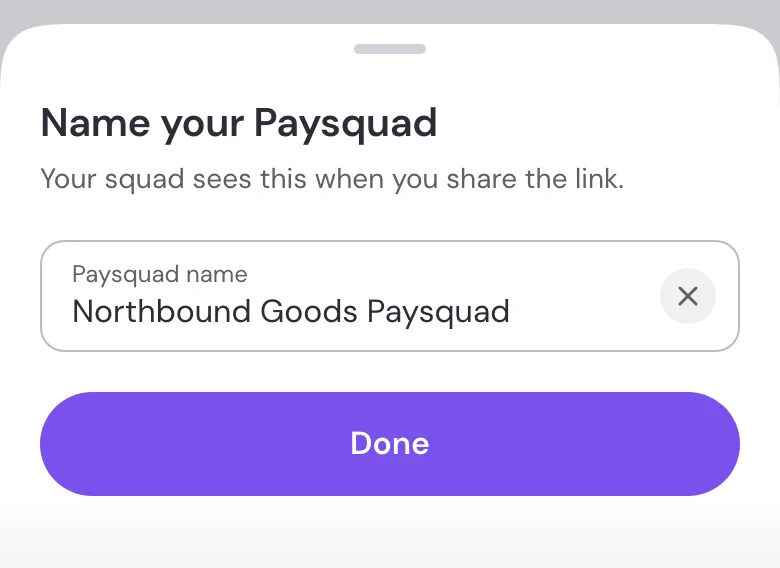
To choose a name during setup
- Select Name your Paysquad.
- Enter a name for your Paysquad.
- Select Done.
Want to change the name later?
While your Paysquad is open, sign in as the squad leader, open the three-dot menu on your Paysquad page and select Rename Paysquad.