How do I share my Paysquad and invite people?
Updated
Open your Paysquad page and select Copy link, then paste it into your group chat.
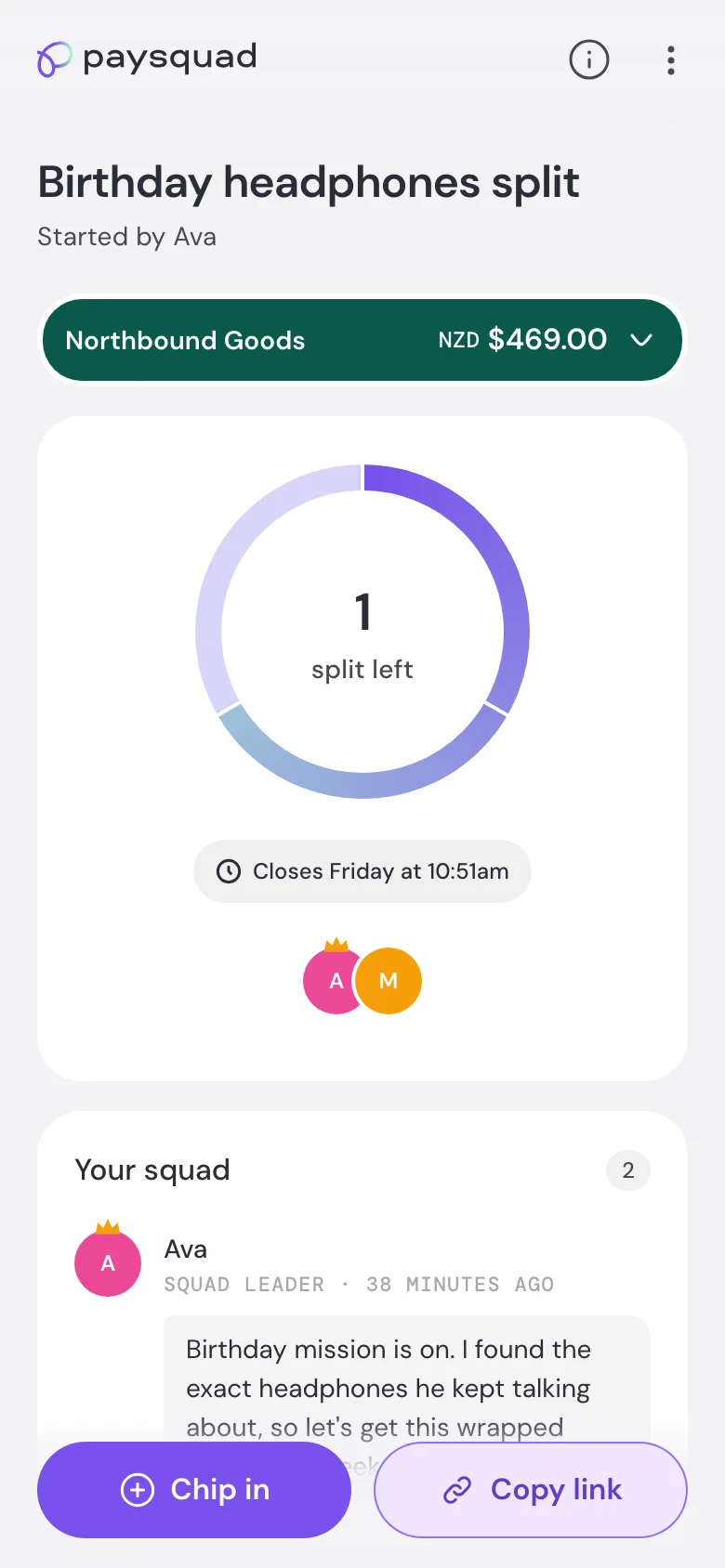
Anyone with the link can open your Paysquad and chip in while it’s open. Share it with the people you want to invite and let them know the deadline.
Can friends or family overseas contribute?
You can send your link to someone overseas. They’ll see the amount and currency at checkout and can try the payment methods available there.
Whether their payment is accepted depends on their card, bank and the checkout’s payment checks. If their card uses a different currency, their bank may apply an exchange rate or fees. Check with the bank for those details.
Can I change the people in my Paysquad?
You invite people by sharing the link. There isn’t a guest list to edit, so you can send the same link to someone new while your Paysquad is open.
You can’t remove someone’s completed contribution or move it to another person. If someone can no longer chip in, another person can use the link to contribute instead.
How do I remind people to chip in?
Send the link again in your group chat with the closing time and what’s still needed. Paysquad doesn’t have your group chat’s guest list, so it can’t remind everyone you’ve invited who hasn’t chipped in yet.